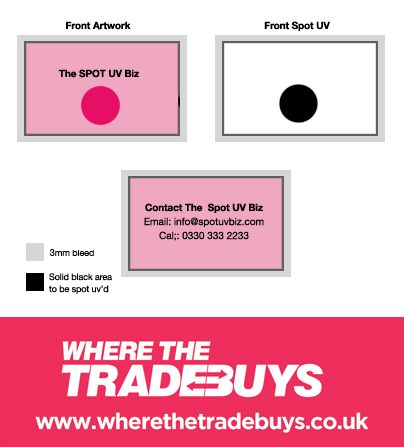
Our website provides an artwork guide section featuring templates for the most common design software and hints and tips on setting your artwork up properly to save time. One of the most frequently asked questions though is how to set up artwork for spot UV! So we put together a little diagram and few pointers below on setting up for spot UV printing.
Setting up for Spot UV is really quite simple, all you need to do is provide your artwork over as you would normally with at least a 3mm bleed and in CMYK format. However provide an extra file, set up exactly the same way with a solid black shape on the area you require to be varnished.
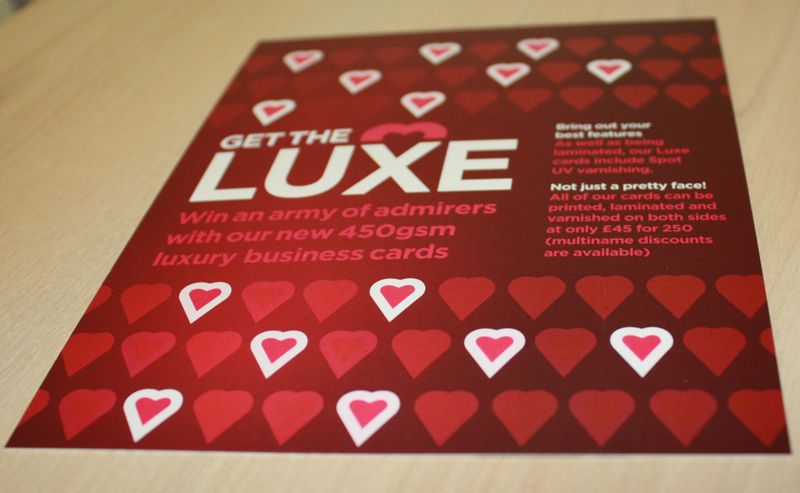
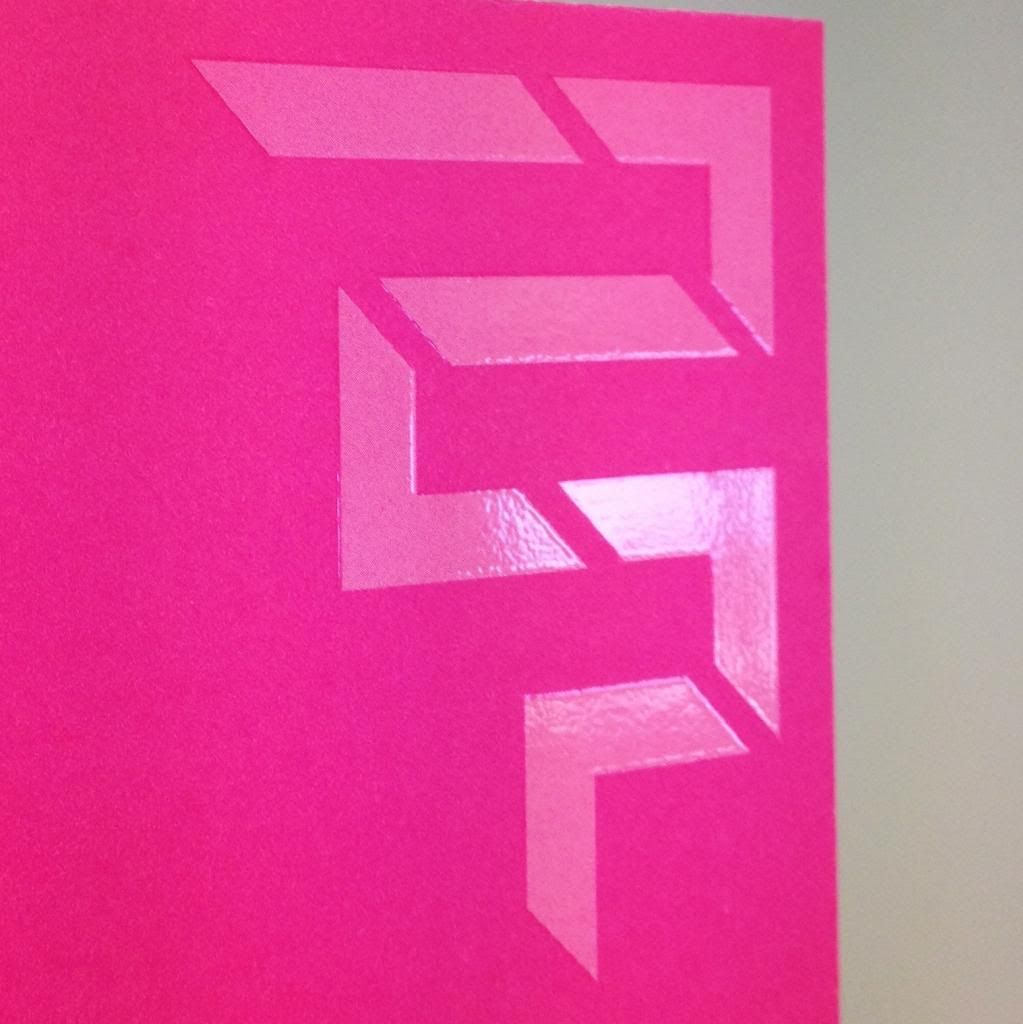
So for example if you were providing over a business card like the one above, you'd provide the front and back along with an extra file of the front with a white background and the area you want varnished solid black. Our Luxe business cards can feature a spot UV to both sides if you prefer, our example just shows a single sided option!
Uploading your artwork with Where The Trade Buys is easy, just add your cards to your basket and upload your artwork after payment. Remember up until March 31st, we're offering 20% off our Luxe Spot UV business cards!